
Reporting Systems
Spreadsheet Reporting Needs Stable Anchors Before More Automation
Spreadsheet automation breaks when a script depends on whatever happens to be in column G today. Stable anchors, named sections, and clear ownership make reporting changes safer.
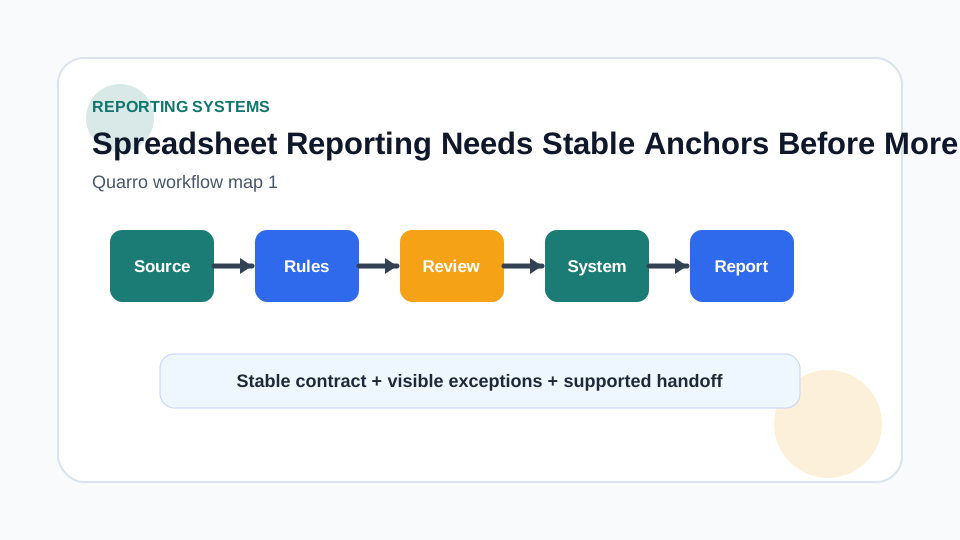
Treat the spreadsheet as an interface
Many teams use spreadsheets as an operations surface: people paste new rows, managers adjust status fields, and reports pull summaries for weekly review. That can work well, but only if the sheet has a contract. Without one, a helpful automation becomes brittle the moment someone inserts a column, renames a tab, or moves totals above the table. Before writing a script or dashboard connector, identify which rows, columns, sheets, and summary blocks are part of the workflow. Label what the workflow may read, what it may write, and what humans are free to rearrange. The goal is not to make the sheet precious. The goal is to make ordinary edits visible instead of silently breaking downstream reporting.
Use anchors instead of coordinates where possible
Google Sheets developer metadata can associate metadata with rows, columns, sheets, or the spreadsheet itself. The documentation describes metadata as tags or key-value properties that can be queried later, and gives examples such as tagging a header row or totals column. That is the useful design idea: bind automation to meaning, not merely to cell coordinates. A reporting workflow can tag an import range, approved status column, reviewed-at column, or monthly total area. If a person moves the block, the tool can still search for the intended anchor. If the anchor is missing, the tool can stop with a clear message instead of reading the wrong values.
Separate input, review, and report zones
A single sheet often holds three jobs at once: raw input, human review, and management reporting. Keep those zones visually and technically distinct. Inputs should preserve the source fields. Review columns should show who changed what and when. Report sections should calculate from approved data rather than from whatever was most recently pasted. This separation keeps trust intact. A finance or operations lead should be able to ask whether a number came from a raw import, a human-approved record, or a formula. If those layers are mixed together, every later automation has to guess what the sheet meant.
Make change detection boring
The best spreadsheet workflows fail loudly and specifically. If a required anchor is missing, a required column has duplicate labels, or a protected range has changed, the job should pause and tell the owner what to fix. Avoid quiet fallbacks that use the nearest matching header or the first sheet with a familiar name. Keep a small health check that validates anchors before exports, scheduled reports, or downstream updates run. This is especially helpful when a spreadsheet remains editable by non-technical teammates. It protects flexibility without pretending that manual editing has no operational risk.
Build toward supported reporting
Quarro can help turn spreadsheet-heavy reporting into a supported workflow without demanding a full system rewrite on day one. A practical first step is often an anchored sheet, a clean export path, and a reviewable dashboard that explains its source fields. When the spreadsheet is no longer the right system of record, the same anchors and definitions help with migration. They become the vocabulary for a custom tool, integration, or reporting database instead of being lost inside cell references.