
Workflow Automation
Design Slack Alerts That Do Not Become Background Noise
A useful Slack alert is not just a message. It is a decision about severity, ownership, timing, and what someone should inspect next.
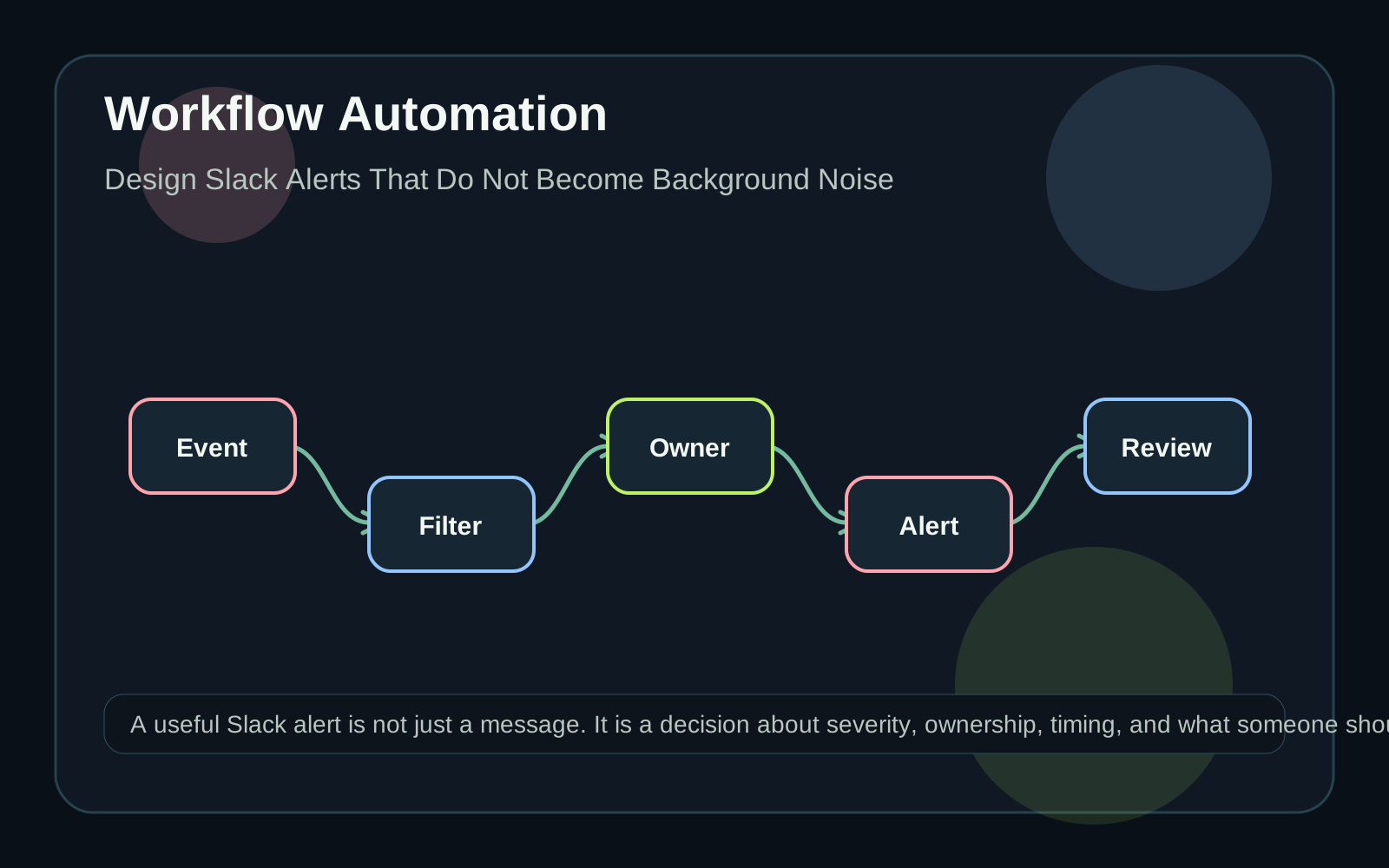
Begin with the action the alert asks for
A message that says something happened is not necessarily an alert. An alert should ask for a decision or make an important state visible at the right moment. Before connecting a workflow to Slack, describe the action: acknowledge the issue, review a record, approve a change, contact a customer, or watch a metric until the next run. If there is no action, the information may belong in a dashboard, daily digest, or searchable log instead. That distinction protects the channel. People learn to ignore notifications when messages repeatedly arrive without ownership or consequence.
Classify events before sending messages
Separate events by severity and audience. A payment failure affecting one record may need a task for a billing owner. A repeated integration failure may need an engineering or operations channel. A routine completion might only need to update a status view. Use a small set of severity labels that people understand. Each label should imply who sees the alert, how quickly it should be reviewed, and what happens if nobody responds. Avoid building the first version around dozens of categories. A few clear routes are easier to maintain and easier for the team to trust.
Respect message behavior and rate limits
Slack's incoming webhook documentation describes webhook URLs as a way to send messages into Slack and warns that leaked webhook URLs should be treated as secrets. Slack's rate-limit documentation also explains that limits are evaluated by method, workspace, and app, with different tiers and special behavior for some posting methods. The practical design point is simple: alerts should be batched, deduplicated, and rate-aware. A failing job should not send the same message every minute forever. Store a fingerprint for the condition, send the first alert, update a status view, and send a reminder only when the escalation rule says it is useful.
Give each alert enough context
A useful alert should identify the affected record, the system that observed it, the reason it matters, the next owner, and the safest link back to the source. Do not paste unnecessary customer data into a broad channel. Give people enough to triage, then let authorized users open the system of record for details. Include timestamps carefully. The event time, detection time, and message time may differ. When those differences matter, label them. A delayed alert can otherwise look like a current failure or a current failure can be mistaken for stale history.
Review alerts as a product surface
After the first week, review which alerts were useful, which were ignored, and which led to repeated manual investigation. A high-value alert should often become a better workflow: a clearer exception queue, a retry button, a runbook link, or a small internal tool that shows current state. Quarro's role in this kind of project is often to connect the pieces around the message: event capture, filtering, ownership, links back to records, reporting, and support procedures. The best alert is the one that helps a person make the next decision without turning the channel into a dumping ground.