
Custom software
Signing in again should not erase a half-finished application
Separate the lifetime of an authenticated session from the lifetime of saved work, then restore a draft only after checking the current user and access.
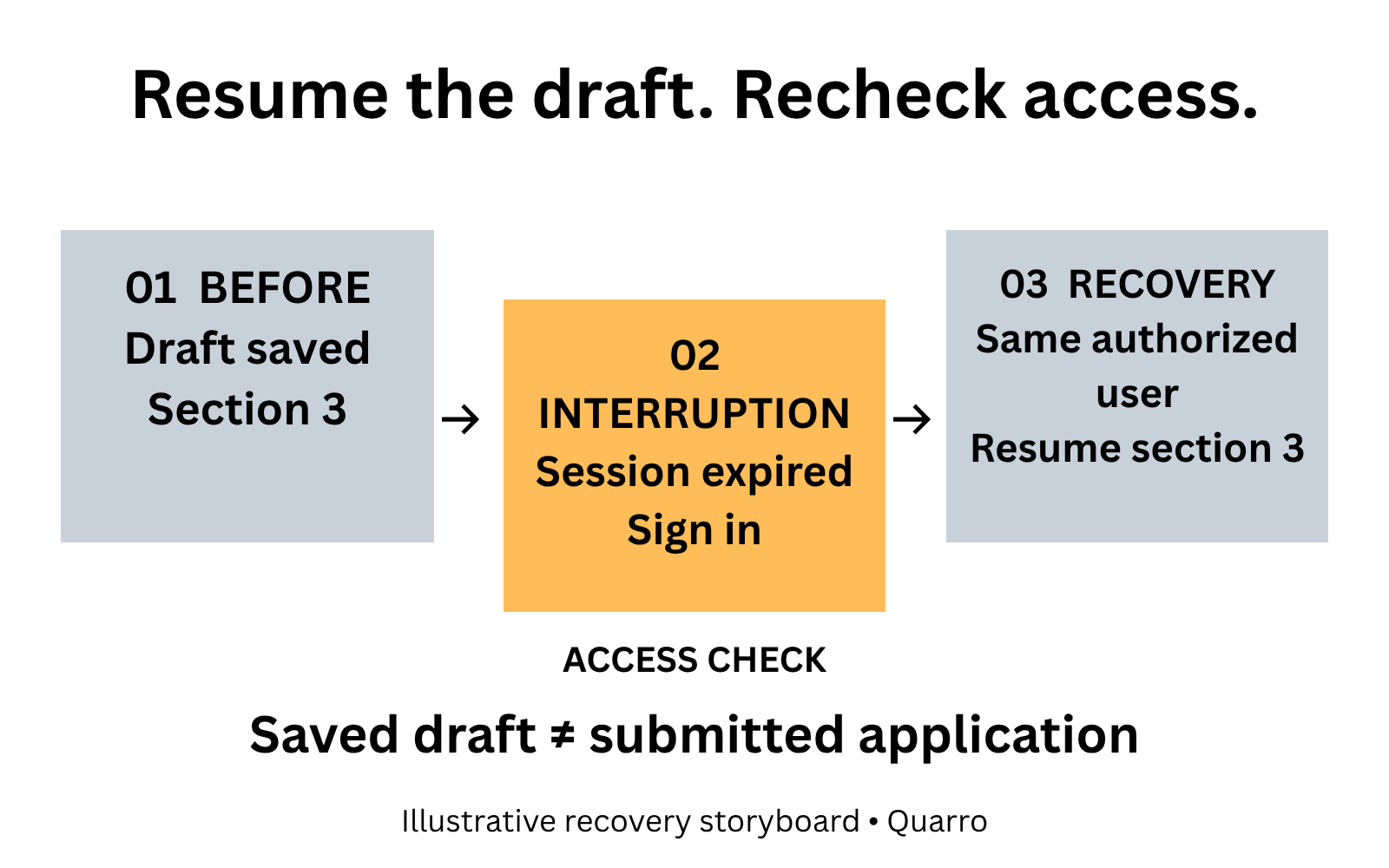
The interruption should not become a rewrite
A member reaches section three of an application, leaves the screen to find a reference number and returns to a sign-in page. After signing in, the application is blank. The authentication step worked; the work recovery did not.
This illustrative problem matters to portal owners because a long form often requires information that is not beside the user. It also affects people who need more time to read, navigate or enter data. A warning alone does not restore material that has already disappeared.
The design question is how to preserve authorized work while respecting the reason the session expired.
Give the session and the draft separate lifetimes
A session establishes authenticated access for a period. A saved draft records incomplete work. They need not expire at the same instant, but their relationship must be explicit.
W3C's explanation of Re-authenticating, SC 2.2.5, describes continuing an activity without data loss after an authenticated session expires and the user authenticates again. This is a Level AAA criterion; citing it is not a claim that a portal meets all accessibility requirements or that one legal rule applies to every organization.
A proposed portal workflow can save a draft before expiry, require sign-in, check current access and restore the authorized draft. It should not solve recovery by removing authentication limits or restoring information to whichever person next opens the device.
Make the saved state understandable
Tell users which work is saved and when. “Draft saved at 10:14” communicates evidence that “Don't worry” does not. If a save has failed, say so and offer the supported recovery route before the user leaves the page.
For an illustrative application, retain the completed fields and section position. On return, show the saved version and let the user review it. A saved draft is not a submitted application: submission may require additional checks, declarations or an explicit final action.
Attachments need their own handling. Explain whether uploaded files are retained, still processing or must be supplied again. Do not imply that every selected local file has reached the server simply because the form's text fields were saved.
Check ownership before restoring anything
Restoration must follow current authorization. A user who signs into a different account should not see the previous person's draft. Someone whose access was removed should not regain it because a saved page still contains a draft reference.
Choose retention and storage with the sensitivity of the application in mind. Browser storage can create exposure on shared devices; server storage creates retention and access-control responsibilities. This article does not prescribe a universal storage location or duration. Decide those constraints with the people responsible for the data.
If the underlying application questions have changed, do not silently map old answers into different fields. Identify the saved version and explain which answers need review. Recovery should preserve meaning as well as characters.
Rehearse the return journey
Test expiry with partially completed fields, an attachment and a user in the middle of keyboard navigation. Sign back in as the same authorized user and check the restored answers, current section and submission state.
Then test a different account, revoked access, an unsaved edit and a draft past its allowed retention period. Each needs an understandable result. Include users who need more time; a rapid developer walkthrough will not expose every interruption.
Begin with one high-effort form and its actual timeout path. The acceptance question is concrete: can the right person resume the right saved work without exposing another person's information or accidentally submitting it? That is a more useful target than simply making the session last longer.