
Workflow improvement
Lead forms need abuse controls before they create CRM work
A lead form is not only a marketing surface. Once it creates CRM records, notifications and follow-up tasks, it becomes an operational intake workflow. That workflow needs abuse controls before automation treats every submission as work.
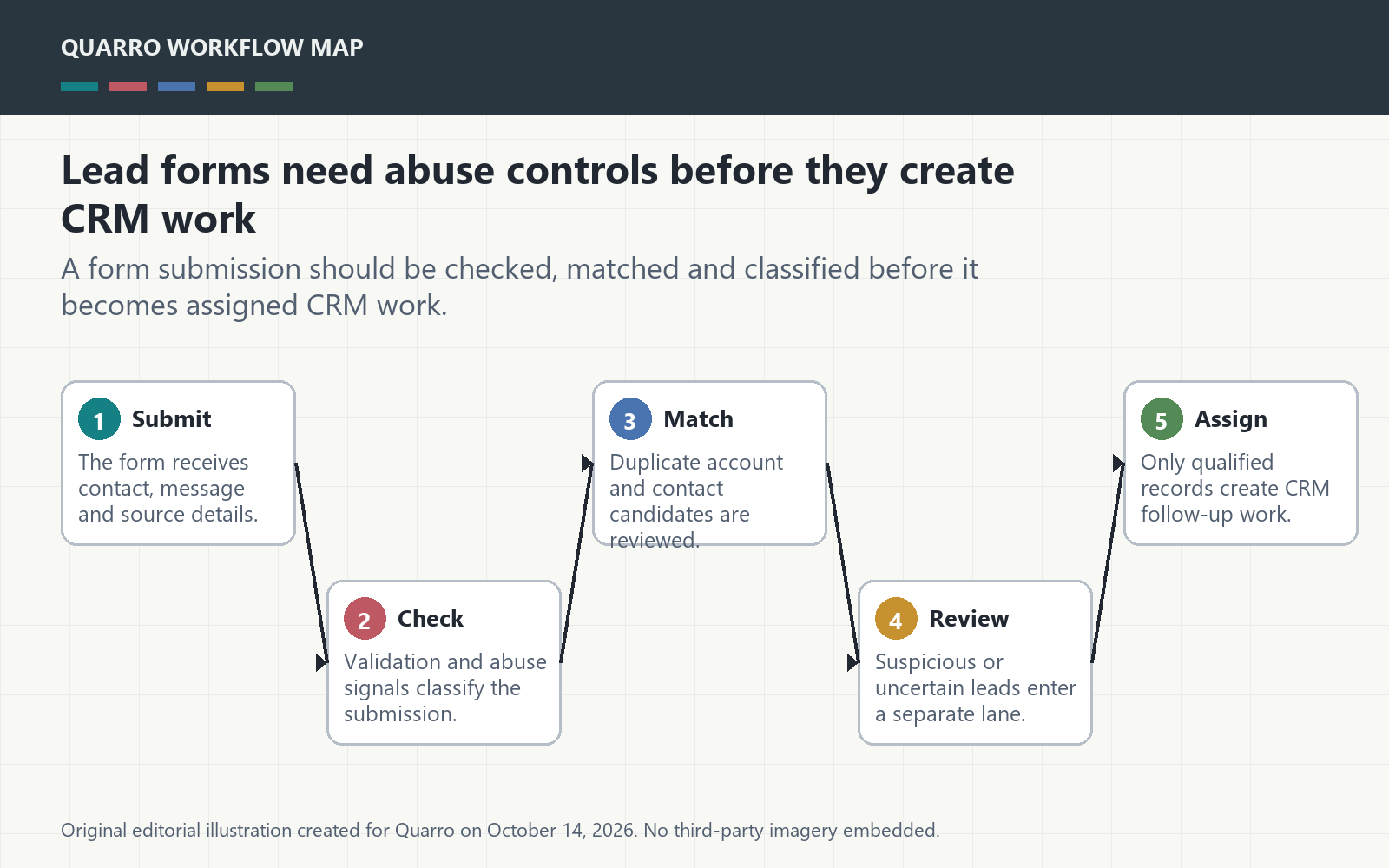
The answer: qualify the submission before routing
A lead form is not only a marketing surface. Once it creates CRM records, notifications and follow-up tasks, it becomes an operational intake workflow. That workflow needs abuse controls before automation treats every submission as work. The form should decide whether a submission is usable, suspicious, duplicate or blocked before it assigns a person.
Abuse is an operations problem too
OWASP catalogs automated threats to web applications, including automated activity that can misuse application functions at scale. A small business does not need to claim enterprise-scale bot traffic to care. Even modest fake submissions can pollute reports, distract sales staff and trigger unwanted email automations.
Keep a review lane for suspicious leads
The workflow should preserve suspicious submissions without mixing them into ordinary follow-up. A review lane can show source page, timestamp, IP or device signals where appropriate, duplicate matches, validation failures and whether any automation was suppressed. The point is to avoid both extremes: accepting everything or deleting evidence immediately.
Deduplicate before assignment
A duplicate lead is not always spam. It might be a second person from the same company, a corrected email address or a repeat inquiry. The CRM create step should check existing contacts, accounts and recent submissions before opening a new record. When the match is uncertain, create a review task rather than a second customer identity.
Start with the fields that create work
Prioritize controls around the fields that trigger downstream action: email, phone, company, requested service, source campaign and free-text message. The practical takeaway: lead-form automation is useful when it filters and explains intake, not when it hands every raw submission to the team.