
CRM Integrations
A CRM Intake Route Needs an Identity Map Before Automation
Lead routing gets fragile when a form submission is treated as a standalone task. A useful CRM workflow first decides which person, company, opportunity, and owner the inquiry belongs to.
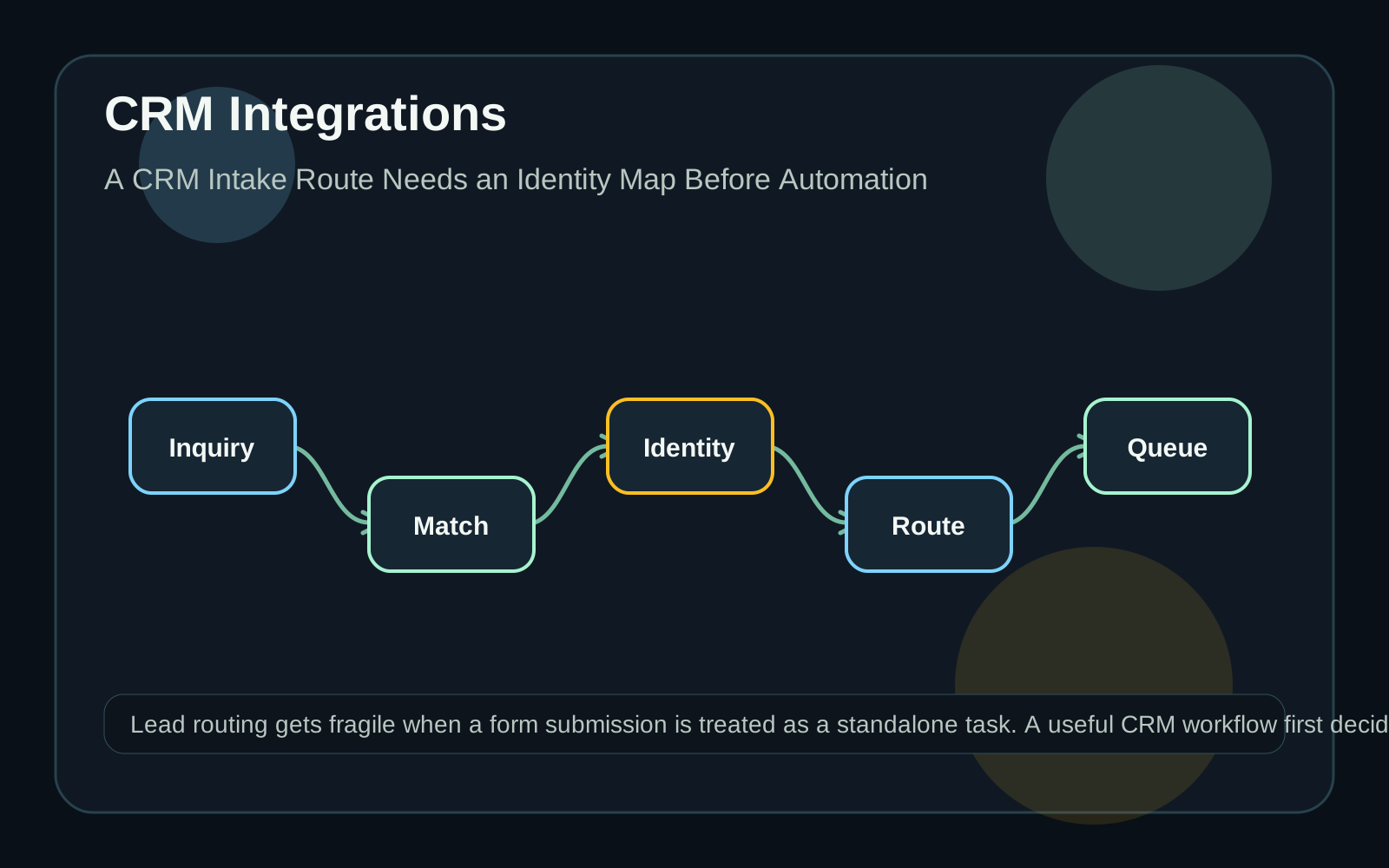
Route the relationship, not just the form
A sales inquiry often arrives as a simple form, email, import row, or chat transcript. The temptation is to assign it immediately based on territory, product interest, or company size. That may work for a clean first-time inquiry, but it breaks down when the person already exists, the company has several contacts, or an open opportunity is already in motion. Start by defining the record relationships that must be understood before a route fires. Is this a new person, an existing contact, a known company, an existing deal, or a support question that should not enter sales at all? A workflow can move faster once those questions are visible. Until then, it should hold uncertain records in a review queue rather than creating duplicate activity for the team.
Make matching rules explicit
Choose the fields that can safely identify a record, and write down the confidence level for each. An exact CRM record ID is stronger than an email domain. A personal email address may identify a contact but not the correct company. A company name alone can be misleading when multiple entities share a brand, region, or parent organization. For a practical first version, separate automatic matches from suggested matches. Automatic matches should be limited to evidence the team trusts. Suggested matches can appear in a review screen with the reason they were proposed. Keep the raw submission, matched record IDs, and decision timestamp together so the next person can understand why the route happened.
Use CRM associations deliberately
HubSpot's associations documentation describes record relationships across CRM objects and notes that associations can be unlabeled or labeled. It also distinguishes association detail endpoints from schema endpoints for association definitions. That matters operationally: a workflow should know whether it is simply linking a contact to a company or assigning a specific role such as billing contact, decision maker, or primary company. Do not rely on a visual CRM screen as the only definition of the model. Record the association type, direction, and label the integration intends to use. Test the retrieval path as well as the creation path. A route that can create a relationship but cannot later explain it will be difficult to debug when ownership is questioned.
Route exceptions as first-class work
Every intake process needs a place for ambiguous submissions. Examples include two possible companies, an existing customer asking about a new service, a partner submitting on behalf of someone else, or a form whose product selection conflicts with its message. The exception should show the candidate records, missing evidence, and the person responsible for deciding. Avoid hiding exceptions behind generic failure messages. A sales operations owner should be able to see how many submissions were routed automatically, how many were reviewed, and which matching rule caused the most manual work. Those numbers help improve the workflow without pretending that every identity problem can be solved with more automation.
Pilot the smallest useful route
A good pilot might cover one source form, one market, and a limited set of routing outcomes. Include known contacts, new contacts at known companies, inquiries with personal email addresses, duplicate submissions, and records that must be rejected from sales routing. Use test records or appropriately protected examples. The useful deliverable is not a maze of rules. It is a clear intake record, a reliable identity map, and a route that sales can explain. Once the team trusts that foundation, Quarro can help connect the intake path to reporting, notifications, data cleanup, and the custom review surfaces needed for day-to-day operations.