
Access And Integrations
Integration permissions need a scope review before launch
A useful integration review asks what the workflow truly needs to read or change, who can consent, and how access will be reduced or removed later.
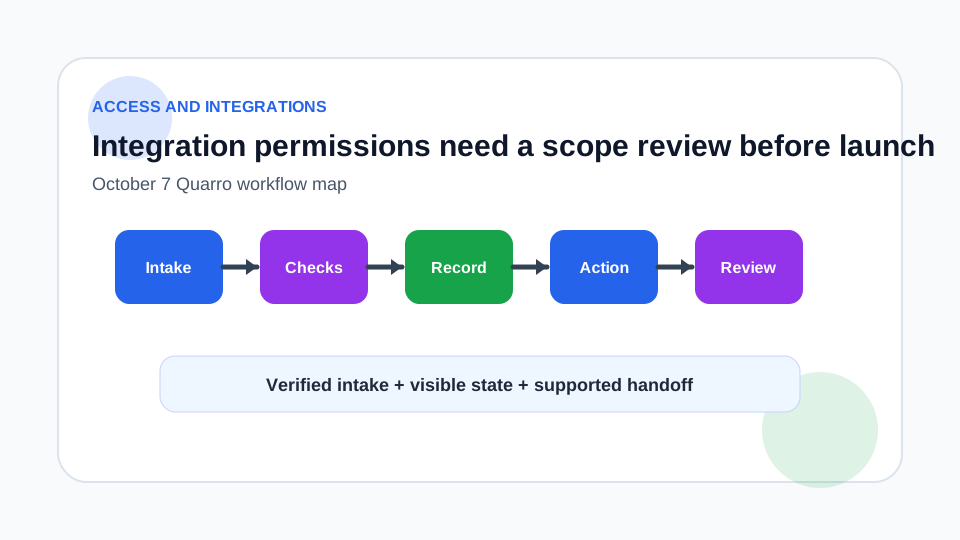
Do the permission review before the demo works
Integrations often start with a broad permission because it makes the prototype easier. That can leave a production app with more access than the workflow needs. Before launch, list each business action the integration performs and map it to the narrowest permission that supports that action.
The review should include read paths, write paths, background jobs, support tools and reporting. If a permission exists only because an earlier version needed it, remove it before launch rather than carrying it forward as invisible risk.
Separate delegated and application access
Microsoft Graph distinguishes delegated access, where an app acts on behalf of a signed-in user, from app-only access, where the app uses its own identity. Its documentation notes that application permissions can be highly privileged because they can access or modify resources without a signed-in user, and recommends delegated permissions from a least-privilege perspective when they meet the requirement.
That distinction should shape the design. A user-driven workflow may be able to use delegated access and inherit the user boundary. A nightly sync may need application access, but then it needs stronger admin consent, monitoring and revocation planning.
Prefer narrower scopes and document exceptions
Google documents OAuth scopes by API and notes that sensitive scopes require review, many scopes overlap, and it is best to use a scope that is not sensitive where possible. For a business integration, translate that into a scope matrix: required action, candidate scope, sensitivity, consent owner, data exposed and alternative design.
Sometimes a broader scope is unavoidable. Treat that as a documented exception with a reason, not as a default. If the platform offers readonly, resource-specific or delegated alternatives, record why they do or do not fit.
Make consent and revocation operational
Permission review is not finished when the consent screen is approved. Store who approved access, which tenant or workspace was connected, what scopes were granted and when the integration should be reviewed again. Show that information in the support runbook.
For offboarding and vendor changes, include a revocation path. The team should know how to disable the app, rotate credentials and confirm that scheduled jobs no longer run.
Launch with a smaller trusted path
A practical launch might connect one workspace, one object family and one action. Quarro can help build the integration plus the access review checklist, consent record and support dashboard. The goal is not to block useful automation; it is to make the permission boundary visible enough that the organization can trust it.