
Implementation Support
Offboarding Works Better as an Access Change Workflow
Offboarding is not one button. A durable workflow identifies the person, the systems they touched, the owner for each access decision, and the evidence that the change was completed.
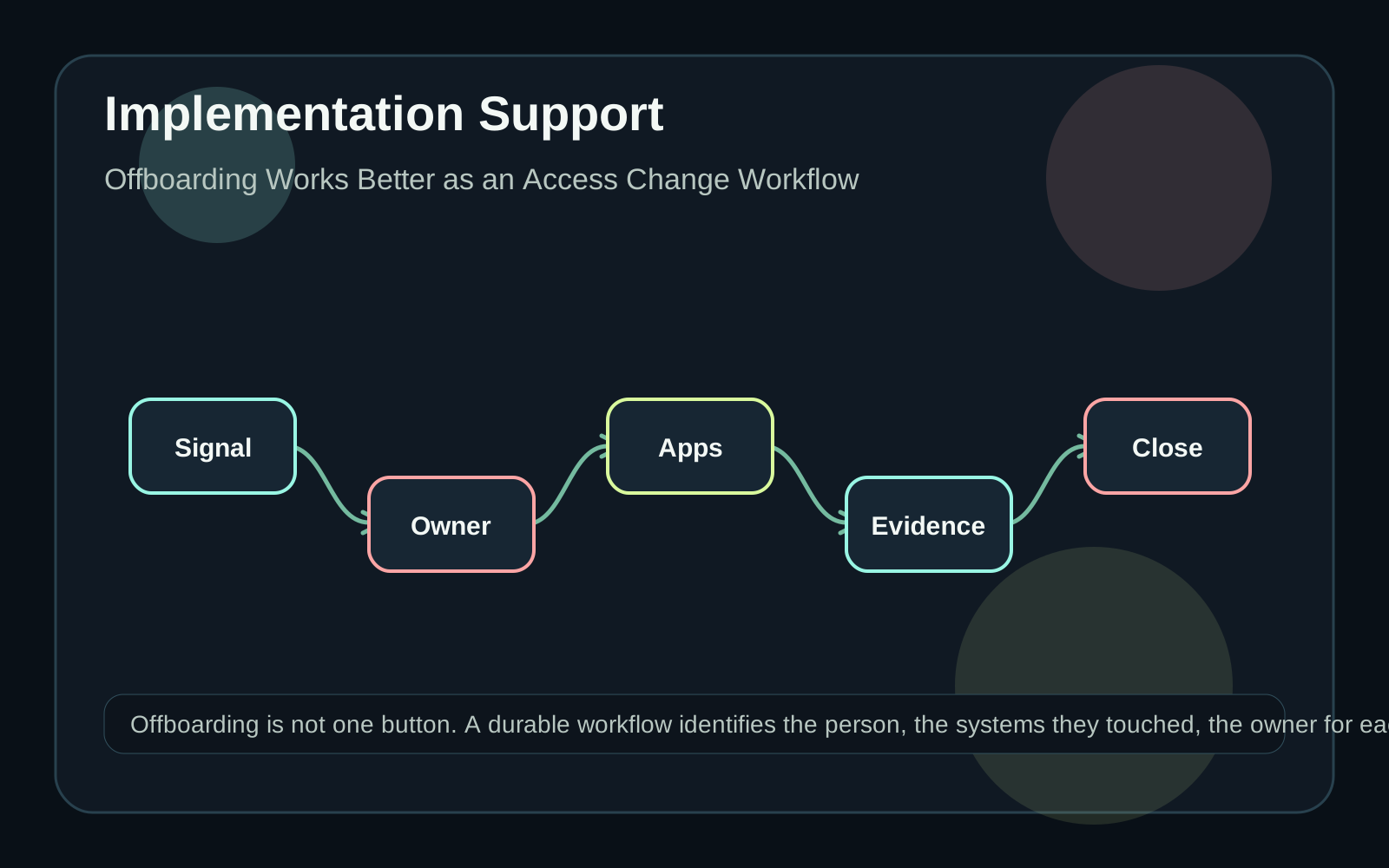
Treat access changes as records
A departure, role change, contractor end date, or team transfer should create a reviewable access record. That record should identify the person, triggering event, affected systems, required approvals, and completion evidence. Emailing a checklist can work for a very small team, but it becomes fragile when several systems and owners are involved. Start by naming the systems in scope. Directory accounts, email, shared drives, CRM, finance tools, code repositories, analytics dashboards, and vendor portals may each need different handling. Some access can be removed automatically; some requires a business owner to preserve continuity.
Use change notifications as signals
Microsoft Graph's change notification documentation describes subscriptions that notify an application when supported resources are created, updated, or deleted. That is useful as a signal, not as the whole offboarding process. A notification can tell a workflow that something changed; the workflow still needs to decide what to inspect and who owns the next step. Keep the subscription configuration, supported resource type, and renewal expectations visible to the team maintaining the workflow. Also design for missed or delayed signals by running periodic reconciliation against the source of truth.
Map applications to owners
Every access item needs an owner who can decide whether removal, transfer, suspension, or no action is appropriate. A shared mailbox may need a replacement owner. A dashboard may need a new report maintainer. A finance system may need formal approval before any change. Build a table that maps each system to the responsible owner, removal method, evidence required, and exception route. Keep secrets and administrative credentials out of the workflow packet. Link to the approved access process instead of storing sensitive material inside the task.
Make exceptions visible
Common exceptions include missing manager approval, unknown application owner, active customer work, legal hold, shared credentials that need replacement, or a vendor portal with no automated API. These should not disappear into a comment thread. Each exception needs a reason, next owner, and review date. The workflow should distinguish between removal completed, transfer completed, intentionally retained, and blocked. Those outcomes mean different things. A single green check mark can hide risk if it treats every unresolved item as complete.
Close with evidence, not optimism
The final offboarding record should show what changed, when it changed, who approved it, and what remains intentionally open. It should also show data freshness: when the directory, app inventory, and vendor lists were last checked. Quarro can help turn this from a brittle checklist into an operating workflow: integrations for signals, custom review views, exception queues, reporting, and support material for the people who own the process. The first version can be modest. The important thing is that access changes become visible work rather than memory.