
Workflow Intake
File upload intake needs controls before convenience
Uploads are convenient, but the workflow should decide who may upload, what file types are accepted, where files live and how exceptions are reviewed.
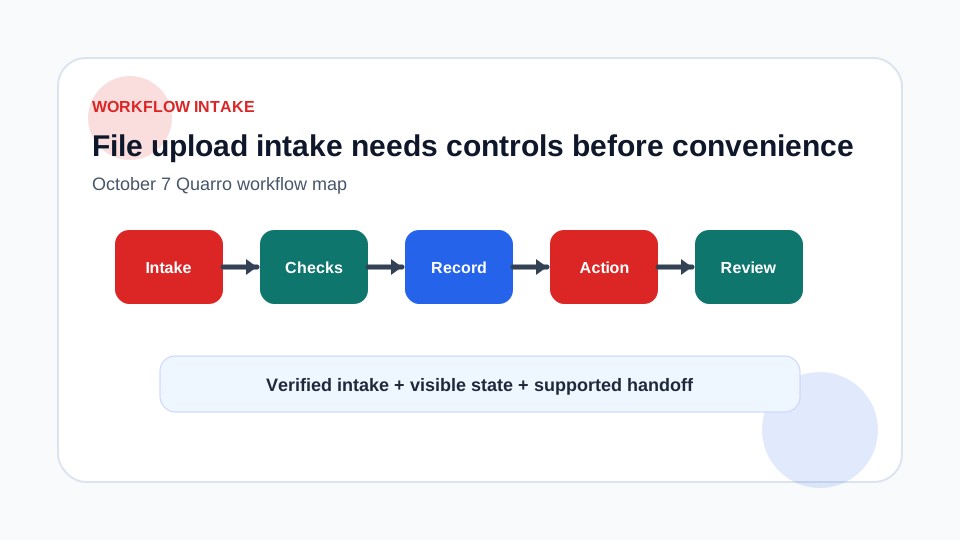
Uploads are business intake, not just storage
Adding a file field to a form looks simple. The real workflow is larger: who is allowed to upload, which formats are accepted, how the file is named, where it is stored, who can download it and what happens when the file cannot be processed.
Treat upload intake like any other operational path. Preserve enough metadata to support the request, but do not turn the upload folder into an unreviewed public dumping ground.
Allow only the file types the workflow needs
OWASP recommends allowing only safe, business-critical extensions, validating file type rather than trusting the Content-Type header, changing filenames to values generated by the application, setting filename and size limits, and allowing only authorized users to upload. Those controls fit practical business software well.
Define the accepted file contract before launch. If the process needs signed PDFs, do not accept every document format. If the process needs CSV imports, validate the file separately before writing production data. Rejecting early with a clear reason is better than accepting a file that no one can safely process.
Keep filenames and storage boring
User-supplied filenames are useful as display metadata, not as storage identifiers. Generate the stored filename or object key. Keep the original name separately if support needs it, after validation and sanitization. Store uploads outside public web roots unless public retrieval is explicitly part of the workflow.
Add size limits and quotas aligned with the process. A support attachment, vendor certificate and media library have different needs. Limits should be visible to users before they upload, not discovered after a large transfer fails.
Reduce automated abuse without trusting the browser
Cloudflare Turnstile describes client-side challenges that help distinguish human visitors from automated traffic and notes that token validation is part of the product flow. This kind of challenge can reduce abuse, but it should complement server-side authorization, validation and rate controls.
Do not trust a browser-only decision for a sensitive upload. The server still needs to verify permissions, inspect the file contract and record the result.
Build the review path with the upload path
Quarro can help build upload workflows that connect storage, validation, review queues and downstream processing. The most useful first release usually accepts a narrow set of files, records clear rejection reasons and gives operators a private review surface. Convenience arrives with control, not after a folder fills with mystery files.