
Applied AI
AI Document Intake Still Needs a Review Queue
AI document extraction can make intake faster, but the operating design should still show the original file, extracted fields, confidence concerns, and the person who approved the record.
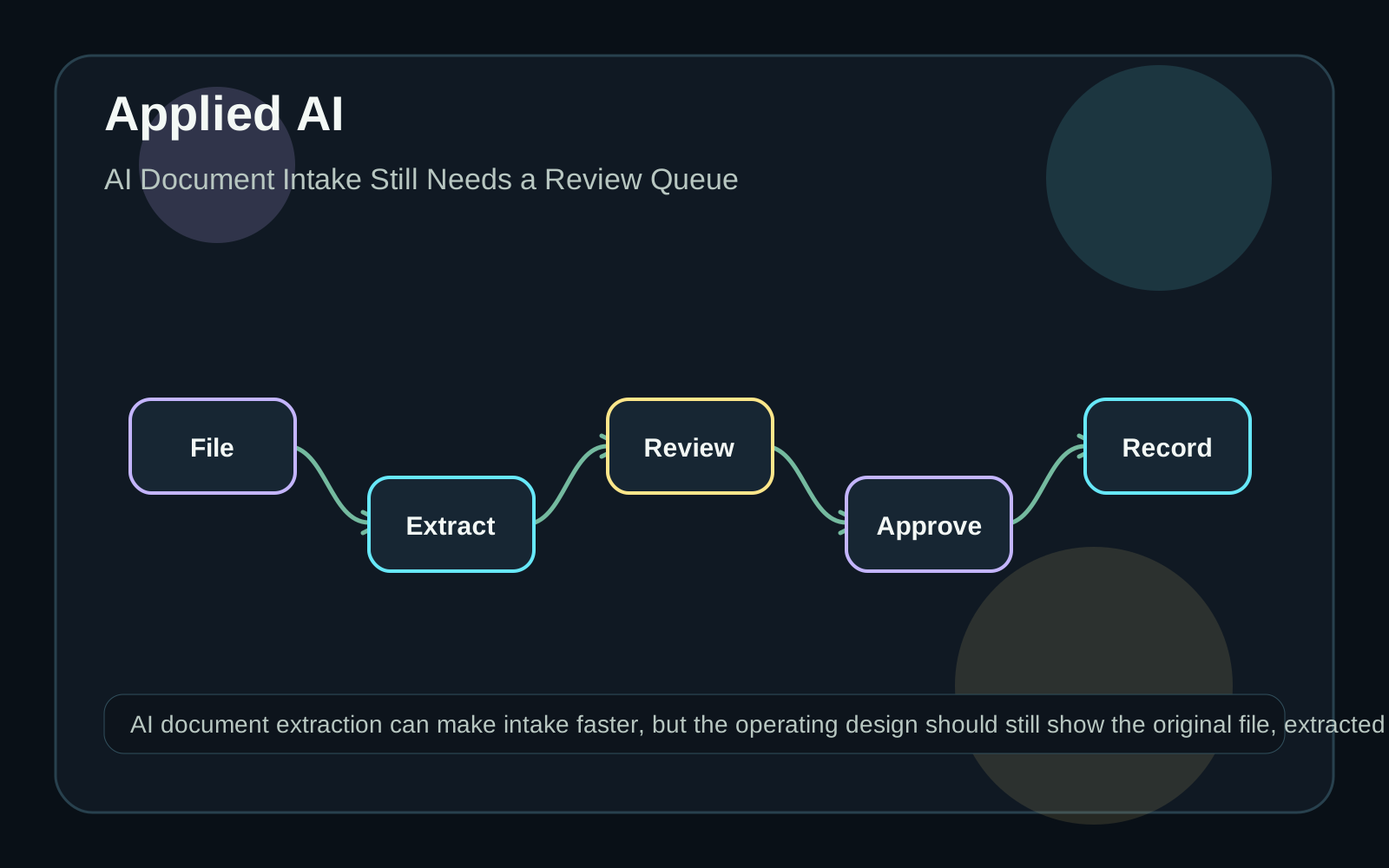
Define the document job narrowly
A document intake workflow should start with the record the business wants to create or update. That might be a vendor profile, certificate record, claim packet, onboarding file, or purchase request. The workflow should not begin with a vague goal of using AI on documents. List the fields that matter, which fields are required, which can be blank, and which require a human decision. A model may help locate a date or name, but a person may need to decide whether the document is current, complete, signed, or acceptable for the business process. Keep those decisions explicit.
Preserve the source and the extraction
Store the original file or an approved reference to it. Keep the extracted values separately from the approved values. This lets a reviewer compare the source, the machine reading, and the final record without losing evidence. A good review screen shows the field, extracted value, source location where available, confidence or quality signal where available, and the action taken. It should be easy to correct a value, mark a document unreadable, or route the packet to a specialist. Avoid silently writing uncertain extraction results into the system of record.
Choose the processor for the document type
Google Cloud's Document AI processor documentation lists specialized processors for different document categories, including parsers and splitters. That supports a practical implementation rule: choose a processor and workflow for the document class, not a single generic path for every file the organization receives. For example, a utility bill, invoice, identity document, and contract exhibit may need different extraction logic and different reviewers. If the incoming file type is unknown, classify or route it first. The first useful workflow can be limited to one document family and one downstream record type.
Design exception reasons before automation
Common exception reasons include missing required page, unreadable scan, conflicting values, expired document, unsupported format, duplicate submission, or uncertain entity match. Each reason should tell the next person what to inspect. A generic "failed extraction" status forces the reviewer to rediscover the problem. Treat low-confidence or missing fields as work, not as errors to hide. Some documents are valid but hard to read. Some are readable but unacceptable. The review queue should support both outcomes. Record who approved the final value and when it was approved.
Measure accuracy in context
Do not measure only whether the model returned text. Measure whether the workflow produced an approved record with fewer avoidable handoffs. Track extraction corrections by field, document type, source, and reviewer reason. These categories help decide whether to adjust the form, improve scanning guidance, refine routing, or keep a field manual. Quarro can help build the intake surface around the AI component: file handling, review queues, validation rules, system updates, and reporting. The useful outcome is not an impressive extraction demo. It is a controlled path from document arrival to an approved structured record.