
Custom Software Delivery
Feature flags need cleanup owners before rollout
Flags help teams release in smaller steps, but every flag should have a default, owner, rollout reason and removal plan.
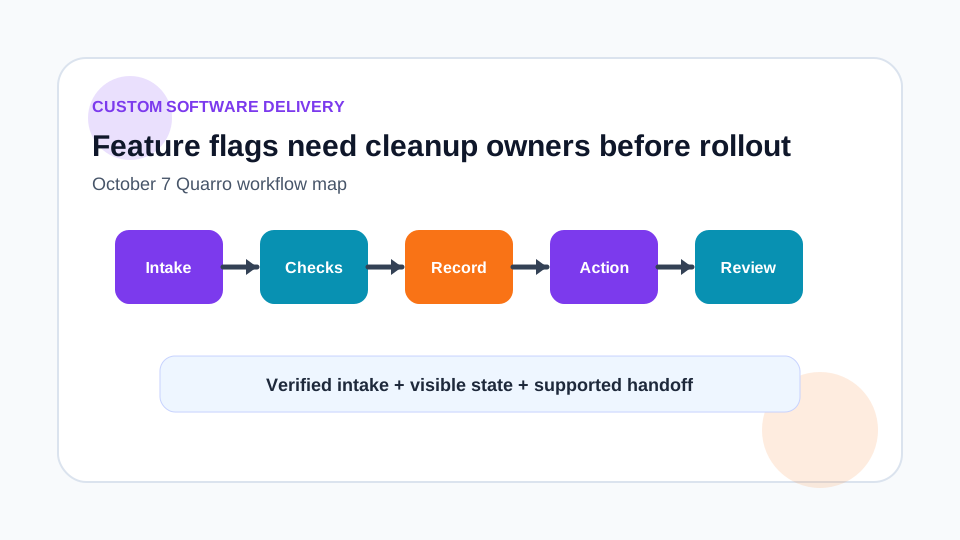
A flag is a temporary decision surface
Feature flags can make a release safer by separating deployment from exposure. They are useful for piloting a workflow, enabling a feature for a team, testing a data path or pausing a risky behavior. But each flag adds another branch in the system. Without cleanup ownership, flags become hidden product rules.
Before adding a flag, write down why it exists, who can change it, what default should apply when evaluation fails and when the flag should be removed.
Typed defaults are part of the contract
The OpenFeature specification requires typed flag evaluation methods for boolean, numeric, string and structured values with a flag key and default value. It also says clients should return the supplied default when a provider returns a value of the wrong type. That reinforces a practical design rule: the default is not filler. It is the safe behavior when the flag system is unavailable or misconfigured.
Choose defaults deliberately. A risky workflow may default off. A safety fix may default on. A reporting label might default to the older version until downstream consumers are ready.
Capture reasons, not just values
OpenFeature also defines detailed evaluation structures that can include reason and error information. In an operations context, that detail matters. When a user asks why they saw a new workflow or why an automated step did not run, support needs more than true or false.
Log the flag key, evaluated value, relevant targeting context, reason where available and application version. Avoid logging sensitive attributes used for targeting. The support view should explain the decision without exposing unnecessary data.
Plan the cleanup when the flag is created
Every flag should have an owner, review date and removal condition. Examples include remove after all users are migrated, remove after a pilot group signs off, or remove after the old integration endpoint is shut down. Put the cleanup task in the same delivery system as the launch work.
Long-lived operational settings are different from release flags. If a switch is intended to remain, document it as configuration with permissions, audit history and support procedures.
Use flags to learn safely
Quarro can help teams add flags around custom software rollouts while keeping the lifecycle practical: typed defaults, targeted rollout, monitoring, support visibility and retirement. The useful outcome is not a forest of toggles. It is a controlled way to learn from production without leaving permanent complexity behind.