
Custom software
Customer portals need status history, not just a current state
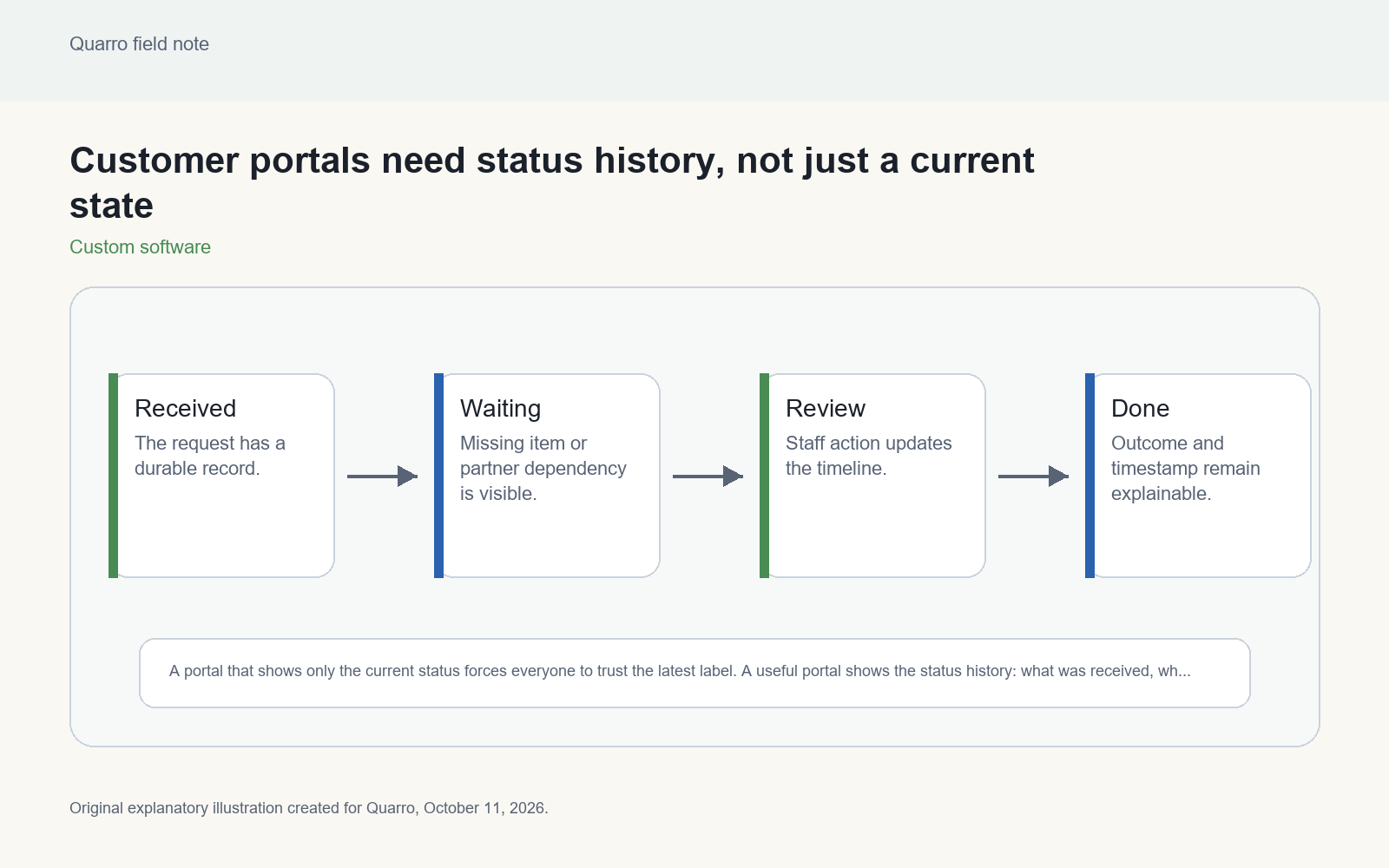
A portal that shows only the current status forces everyone to trust the latest label. A useful portal shows the status history: what was received, what changed, when it changed, who or what changed it and what the next expected step is.
The answer: expose the path, not only the label
A portal that shows only the current status forces everyone to trust the latest label. A useful portal shows the status history: what was received, what changed, when it changed, who or what changed it and what the next expected step is. That history helps customers understand delay and helps staff support the same story.
Consider an illustrative service request portal. The current state says In review. That may be true, but it does not tell the customer whether the request was received, whether documents were missing yesterday, whether staff updated the record or whether a downstream partner is now waiting. One label can create more calls than it prevents.
Asynchronous work needs a monitor
HTTP itself recognizes that accepted work may not be complete. RFC 9110 says a 202 Accepted response is intentionally noncommittal and that the representation ought to describe current status and point to or embed a status monitor. A customer portal is the human version of that idea: if the work continues after submission, give people a dependable place to see where it stands.
The status monitor should be based on real workflow events, not optimistic copy. Received, validated, waiting on customer, waiting on partner, scheduled, completed and canceled are different states. If the system cannot distinguish them, the portal will invent certainty the operation does not have.
Design the timeline for support, too
A good timeline is useful to the customer and to the support team. It should include timestamps, actor type, short public descriptions and private operational notes where appropriate. The customer may see Document received. Staff may also see the file check that generated that event. Keep sensitive internal details out of the customer view while preserving enough evidence for staff to diagnose the next step.
Avoid overwriting status fields without recording the prior state. If a request moves from Waiting on customer to In review, the old state is part of the story. It explains why a deadline changed and prevents staff from guessing whether a reminder was ever sent.
Make unclear status a first-class problem
Every portal should have a rule for stale or contradictory status. If a downstream system says shipped while the portal says pending, the mismatch should be visible to staff as an exception, not hidden behind whichever sync ran last. If no event has arrived within an expected window, the portal can say the team is checking rather than pretending the current state is fresh.
Customers do not need every internal detail. They do need honest status, next action and an indication that the record is still being managed. The timeline can be concise as long as it is truthful and tied to real events.
Start with the events people already ask about
Review support questions and choose the statuses people most often call to clarify. Define the event source for each one, the customer-facing wording, whether it is reversible and what happens if it arrives out of order. Then build the portal timeline around those events before adding cosmetic progress bars.
The practical takeaway: a current status is a snapshot. A status history is an explanation. For portals that mediate asynchronous work, the explanation is often the real product experience.