
Workflow improvement
Customer notifications need preference records before automation sends
A notification system should know why a message is being sent before it decides how to send it. Operational notices, account updates, reminders and promotions may look similar inside a template editor, but they need different preference checks, sender details and opt-out handling.
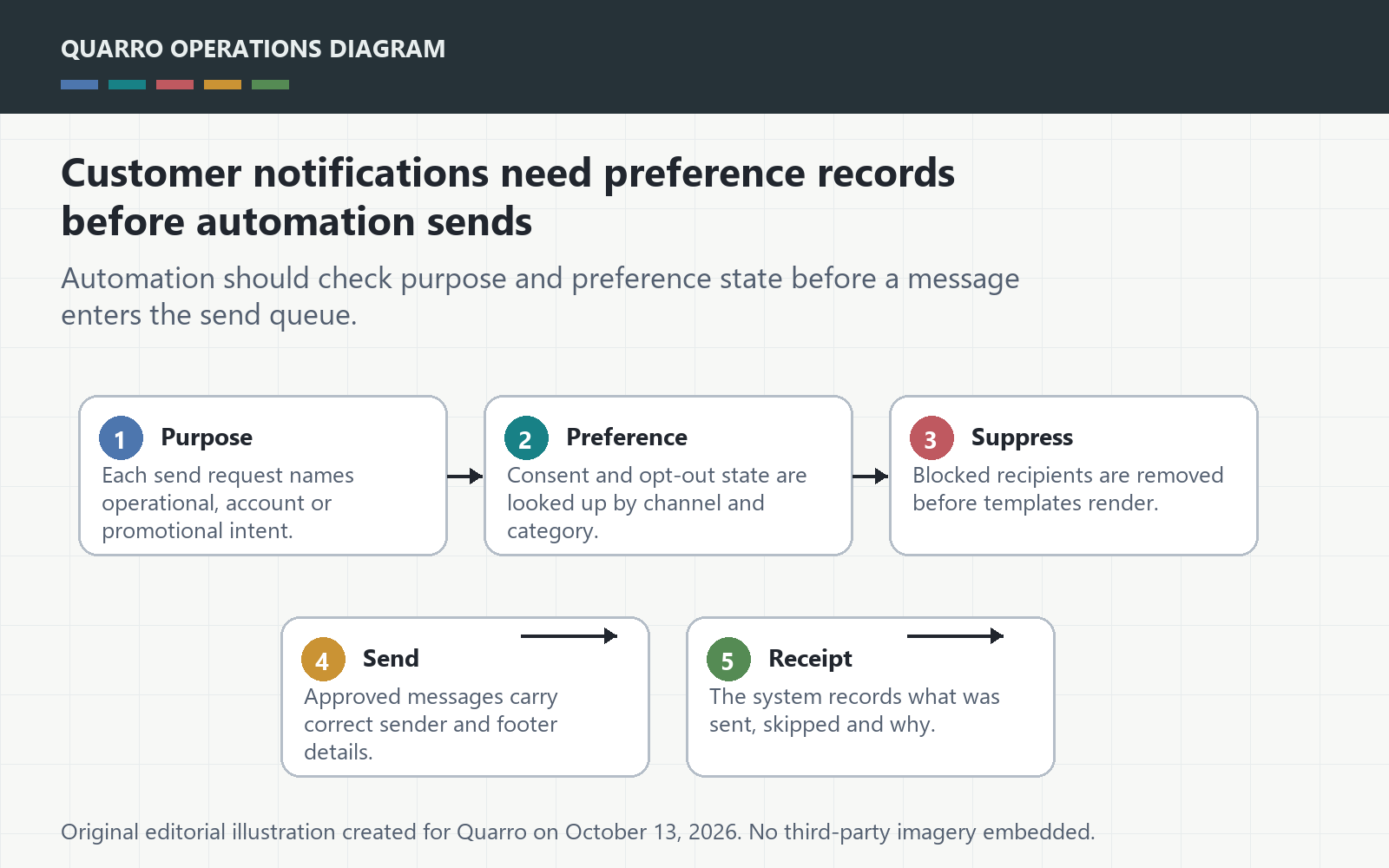
The answer: store purpose before template
A notification system should know why a message is being sent before it decides how to send it. Operational notices, account updates, reminders and promotions may look similar inside a template editor, but they need different preference checks, sender details and opt-out handling. Without that record, automation can turn a small campaign into a support and compliance problem.
Classify the message at the source
The FTC CAN-SPAM guide explains that commercial email requirements include truthful header information, non-deceptive subject lines, a physical postal address, opt-out instructions and timely opt-out handling. It also distinguishes transactional or relationship content from commercial content. A practical workflow should therefore record message purpose before the send job is queued.
Preferences need structure, not one checkbox
A single subscribed field is often too blunt. Teams may need separate records for product updates, billing notices, service alerts, marketing, reminders and human follow-up. The model should also preserve where the preference came from, when it changed and whether a specific system is allowed to send that category.
Make suppression a shared service
If every tool keeps its own opt-out list, staff eventually send from the place that has not learned the latest preference. A shared suppression check can sit between CRM, support, billing and marketing automations. The point is not to centralize every message, but to centralize the decision that a message should not be sent.
Test with realistic edge cases
Before launch, test a customer who opted out yesterday, a customer receiving a transactional update, a mixed-purpose message, an imported contact and a manual resend. The takeaway: customer notification automation is safer when message purpose and preference state are first-class data, not hidden template assumptions.