
Implementation and support
Admin actions need audit trails people can reconstruct
An admin screen can change access, prices, statuses or workflow rules in seconds. The audit trail should preserve enough context to reconstruct what happened later without logging more sensitive data than the investigation actually needs.
Log the decision, not just the click
Administrative tools often sit close to important business state. A user with the right permission may change a customer status, override a price, disable an account or reroute work. If the only record is “updated successfully,” support will struggle to answer the first serious question: what changed, and why?
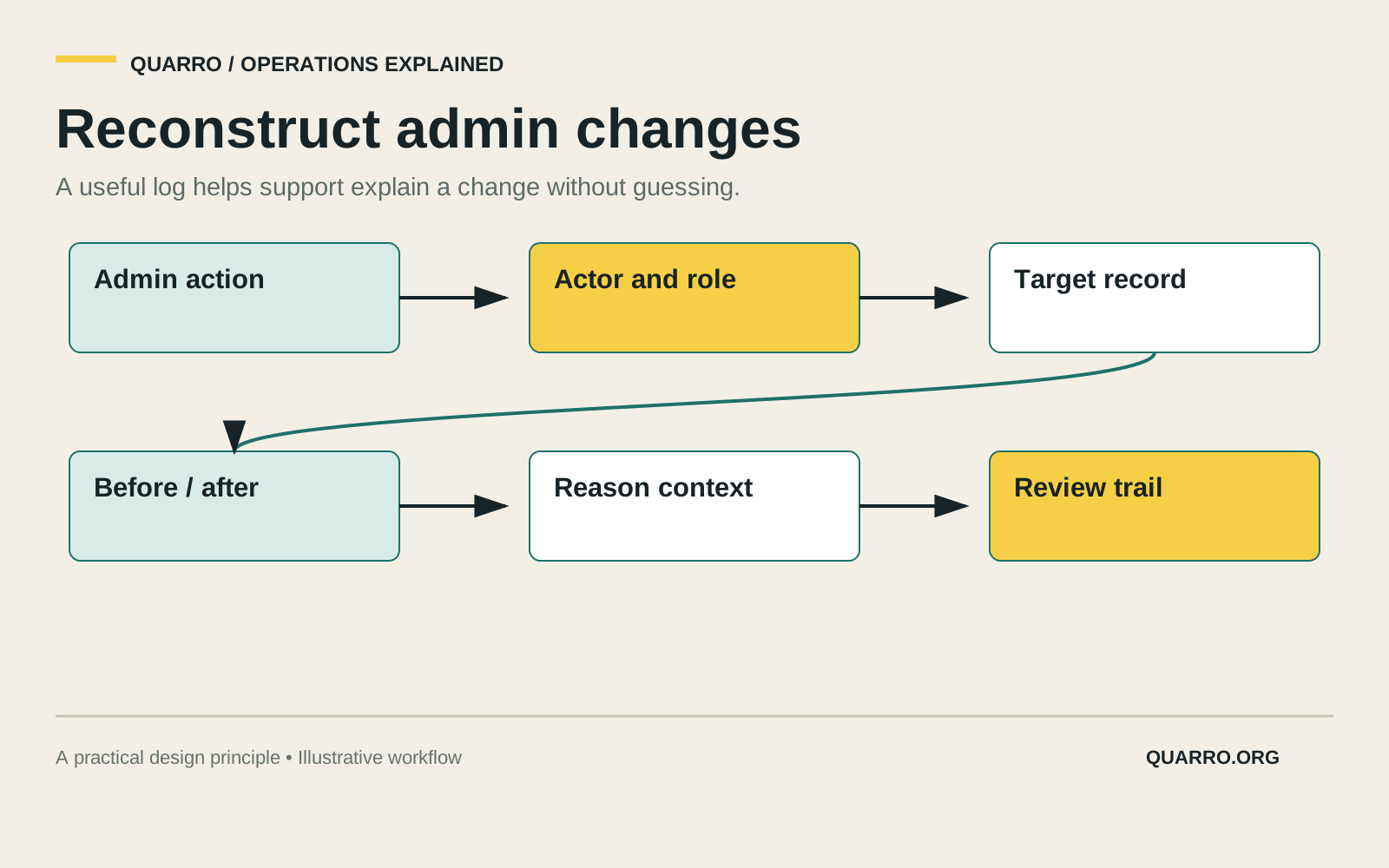
A reconstructable audit trail records the operational decision in plain terms. It should show who acted, which role or authorization was used, what record changed, the old and new values that matter, and the application path or request that produced the action. That does not require logging every screen pixel or private field. It requires choosing the evidence someone will need later.
Use standard logging guidance as a floor
OWASP’s logging guidance says application logs should record when, where, who and what for events, with enough information for later monitoring and analysis. NIST SP 800-92 describes log management as an organization-wide process rather than a pile of raw files. Both ideas point to the same practical conclusion: an audit trail is only useful if it is designed before the incident or support question arrives.
For an admin action, “who” may include user id, service account and role. “Where” may include the application, tenant, request id and source network context. “What” should identify the target record and the meaningful field change. “When” should be precise enough to compare with other systems.
Do not turn the audit trail into a data leak
More logging is not automatically safer. A before-and-after record for a support note, uploaded document, payment field or medical detail can become a second store of sensitive information. The audit design should separate proof of change from unnecessary content.
For many fields, a redacted value, reference id, hash or category is enough. For high-risk actions, store a reason code and a link to the protected record rather than copying the record into the log. Limit who can read audit entries, and make audit access itself visible when the organization needs that level of accountability.
Make reconstruction possible across tools
Important changes rarely stay inside one table. A permission update may come from an identity provider, a support panel and a background sync. A price override may affect invoicing, reporting and notifications. Include a correlation or trace id so support can follow the action across those systems.
Sequence matters too. If a user disabled an account after an automated job already queued a message, the audit view should make that order clear. The goal is not blame. It is a reliable story of the workflow so the team can correct the right thing.
Review the trail with real support questions
Test the audit trail by asking realistic questions: who changed this field, what did it say before, which permission allowed the action, what else ran afterward, and can we show the evidence without exposing unrelated private data? If the answer requires database spelunking, the admin tool is not finished.
A practical audit trail turns support from speculation into reconstruction. It gives accountable people enough context to understand a change, challenge it when needed and improve the workflow that made it possible.