
Data and reporting
Scheduled reports need support owners before people trust the inbox
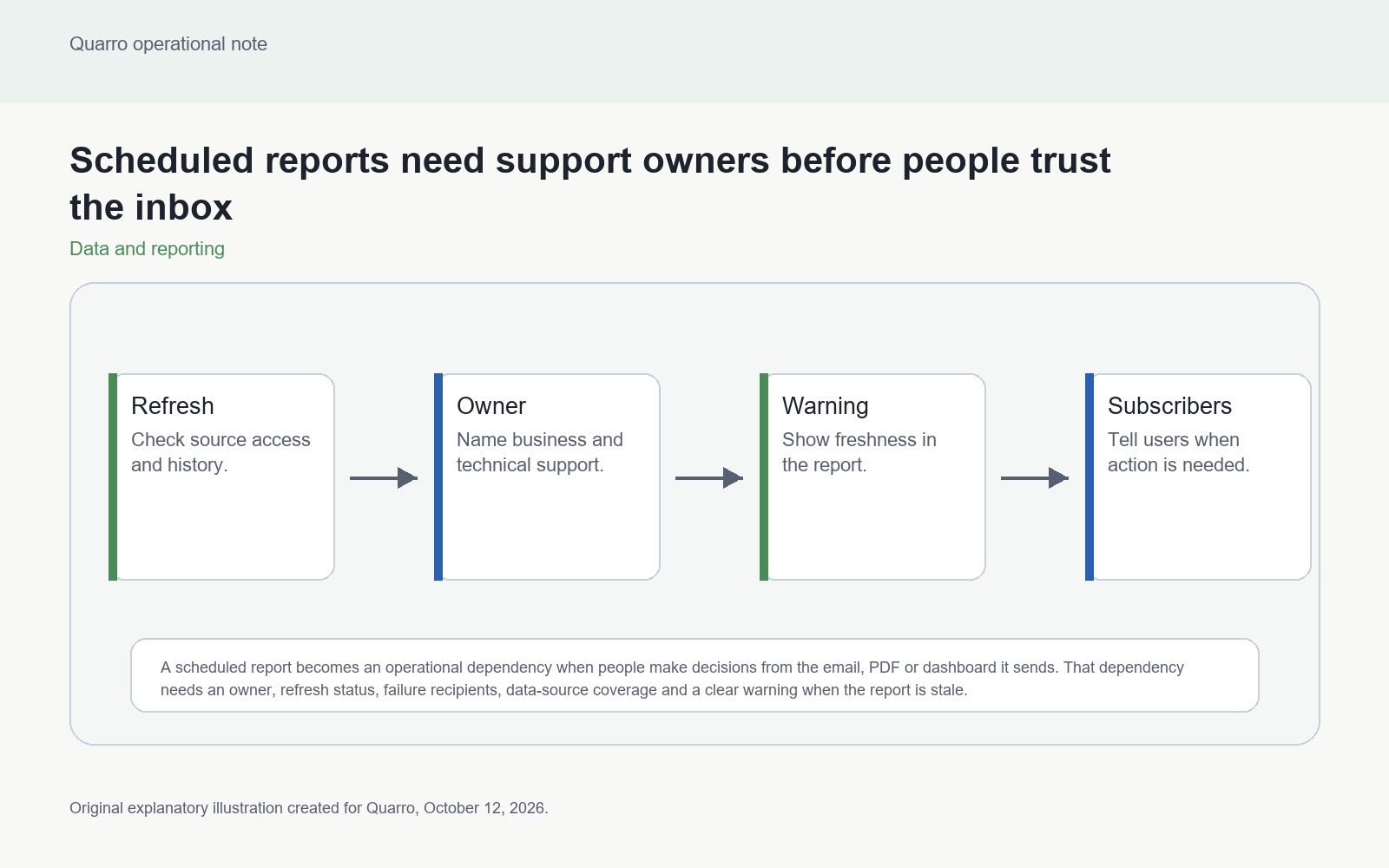
A scheduled report becomes an operational dependency when people make decisions from the email, PDF or dashboard it sends. That dependency needs an owner, refresh status, failure recipients, data-source coverage and a clear warning when the report is stale.
The answer: support the schedule, not only the report
A scheduled report becomes an operational dependency when people make decisions from the email, PDF or dashboard it sends. That dependency needs an owner, refresh status, failure recipients, data-source coverage and a clear warning when the report is stale. Otherwise the inbox makes the report feel reliable even when the data behind it is broken.
Consider an illustrative weekly margin report. Finance expects it Monday morning, sales forwards it to managers and operations uses it to prioritize follow-up. If the underlying refresh fails Sunday night, the report might still exist as an old attachment. The danger is not just missing data; it is stale data that looks routine.
Name the report owner and the data owner
The person who designed a report is not always the person who can fix its data. Scheduled reporting should identify a business owner, a technical owner, a data-source owner and a fallback contact. Each role answers a different question: is the report still needed, why did refresh fail, did the source change and who tells users what to do now?
Microsoft Power BI documentation describes scheduled refresh, refresh failure notifications and refresh history. It also notes that additional recipients can receive failure notifications and that access to data sources and gateway configuration can affect refresh. Those are platform mechanics; the business still needs ownership around them.
Make freshness visible in the report
Every scheduled report should show the latest successful refresh time, the intended reporting window and known exclusions. If the report is sent as a static file, put freshness information in the file and the email body. If it is a dashboard, show the freshness near the headline numbers.
Do not rely only on a failed job email. Recipients may never see it. The report itself should be able to say whether it is current enough for the decision it supports. That threshold is a business rule, not a default from the reporting tool.
Failure handling belongs in the workflow
Define what happens when refresh fails once, fails repeatedly or succeeds with partial source coverage. Some reports can wait. Some need a manual backup. Some should be suppressed rather than sent stale. The workflow should say who is notified, whether recipients receive a warning and when the issue is escalated.
Track recurring failure causes: expired credentials, gateway outage, renamed source columns, missing files, long-running queries and source-system downtime. Repetition tells you whether the report needs a technical fix, a source contract or a process change.
Retire reports deliberately
Scheduled reports often outlive the decision they were created for. Review subscribers, last opened dashboards, owner confirmation and downstream dependencies before retiring a schedule. If no one can name the decision the report supports, pause delivery and observe who notices.
The practical takeaway: a scheduled report is a service. Treating it like one gives people confidence in the data and a clear path when the inbox goes quiet or the numbers look wrong.